


Customize Windows Media Center's interface
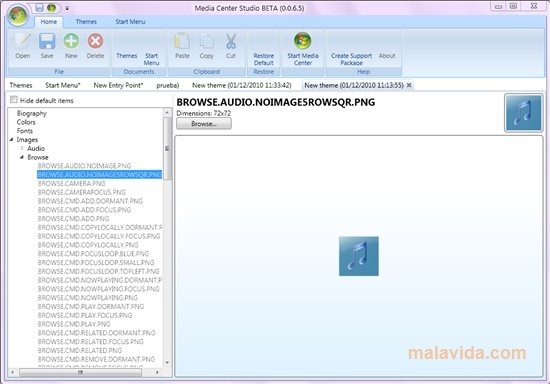
Media Center Studio is a tool with which you'll be able to modify and customize the Windows Media Center multimedia center. If you use your computer to watch films, listen to music or watch TV on the Internet, and you use the multimedia center by Microsoft, Media Center Studio will allow you to place the elements and menus that you like, change the colors or create customized themes.
Customize your multimedia center completely
This application is capable of modifying the different elements of the Windows Media Center in a very easy way. It's important to point out that Media Center Studio doesn't modify the functions of the multimedia center, it can only change the application's interface.
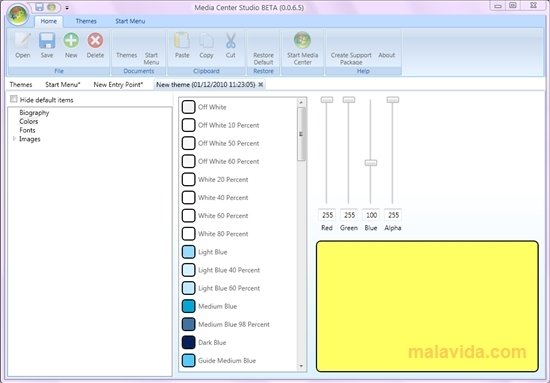
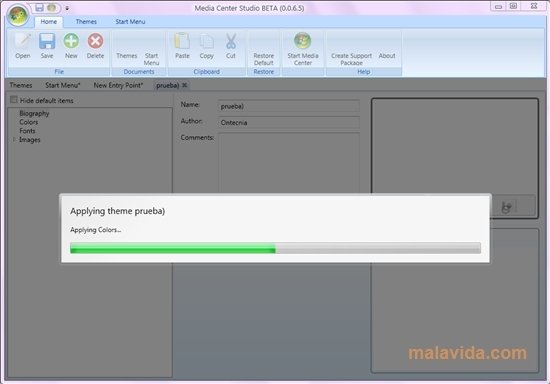
Media Center Studio allows you to create your own themes, choose the color, the fonts and their size, or the images that you want to include. You'll be able to see the changes in Windows Media Center, and modify them if you don't like them. What's more, you will be able to export the themes to use them on other computers.
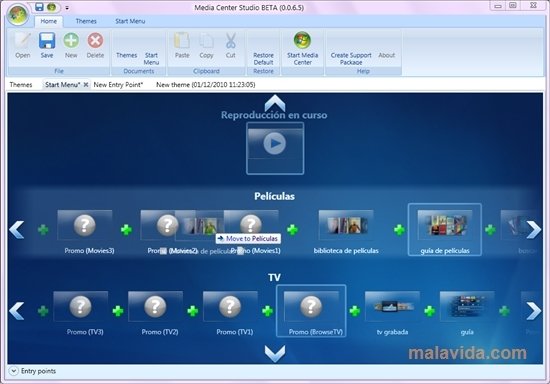
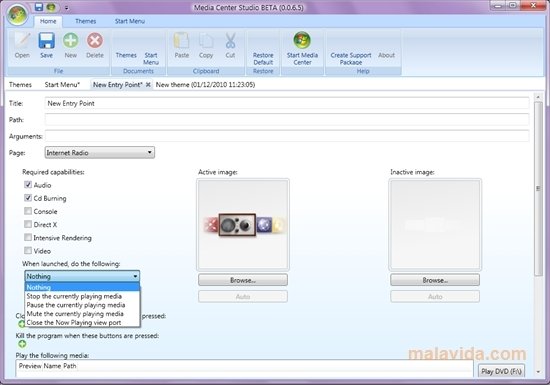
You'll also be able to change all the elements of the Windows Media Center startup menu, changing the position of the buttons and eliminating the functions that you don't use.
 Leticia Sorivella
My name is Leticia. I really like movies, television, and music. That is why I studied Audiovisual Communication. In the beginning, I wanted to work in movies, but I ended up on television. Then, I went from being behind the cameras to being in...

Antony Peel